
by Pamela Capraru
Many of us know Paul Beverley as the macro expert in some of the editors’ groups on Facebook as well as various professional associations. We were curious to know how and why he started creating macros, and what his process entails. Pamela Capraru got us the answers.
What prompted you to start creating macros?
Back in the late ’80s, I self-published a monthly computer magazine about Acorn Computers in Cambridge, UK, doing the desktop publishing on a Mac Plus. In 2005, as the Acorn market was dying, I shifted into freelance proofreading and editing. That meant I had to use Microsoft products for the first time – at age 56.
I found that I could speed up my editing with scripted global find and replace – SGFR, the FRedit principle – so I had someone write a program to do it. When I started using Word, I needed a similar tool to work with Visual Basic for Applications (VBA), so I got a friend to write PreEdit, the text-only precursor to FRedit.
Meanwhile, I began to learn VBA and wrote more and more tools to speed things up. Then I realized that SGFR could handle formatting, highlighting, styles, and so on. I wrote FRedit, and my freelance rate took a step up.
Can you walk us through how you develop macros?
When someone asks, “Is there a macro for such and such?” and my Macro Menu draws a blank, I get them to describe, with before and after samples, what changes they’d like the macro to make. I then break the job into its various steps, often pinching bits of code from my other macros – or these days, I can ask AI to write the code for a given step.
I test it on the person’s sample file and then let them try it out, and sometimes they suggest improvements. If I have time, and if the macro is not too user-specific, I write some documentation. Invariably, as I explain how to use it, I realize that it could be better; then I go back and improve it further.
How do you introduce users to macros and help them gain confidence?
When Jennifer Yankopolus and I train people to use macros, we see faces light up as they appreciate the potential. However, we tell them not to get caught up like a kid in a candy store: Try a few, build up your confidence, then take on a few more.
The most powerful time saver and game changer is FRedit. To get the best out of it, you don’t need to be an expert, but you do need to learn new ways of thinking about your work. That takes time and flexibility as you move beyond how you’ve always done things.
What are your three most popular or powerful macros and why?
Without a doubt, most powerful is FRedit, for the reasons already mentioned. We always get people to start with our most popular macro, GoogleFetch, which does lookups with a single click. It only saves seconds, but multiplied by dozens of searches, those seconds add up. What’s more, because it’s so quick and easy, you tend to check more details, so it improves your accuracy.
Further multiplication of seconds saved comes from CaseThisWord, which capitalizes or lower-cases a selected word. Then, with repeated keystrokes or by selecting several words, it changes the case of a whole phrase, title, or heading.
ProperNounAlyse is definitely the macro for which we’ve received the most comments, such as, “It has saved me embarrassment so often!” That’s because it spots obscure spelling variations in proper nouns.
What challenges do you face with Word updates and other troubleshooting?
We have a current issue: The latest Word update crashes macros that need heavy processing – this happened six months ago and they eventually cleared it, but now it has happened again!
I get emails regularly from people saying that Word is playing sillies or that macros are going wrong. That’s fine, because I’m now retired with loads of free time. We can often sort issues by email, but occasionally I need to get hands-on via Zoom. I love solving problems, so helping users gives me an enjoyable way to use my retirement.
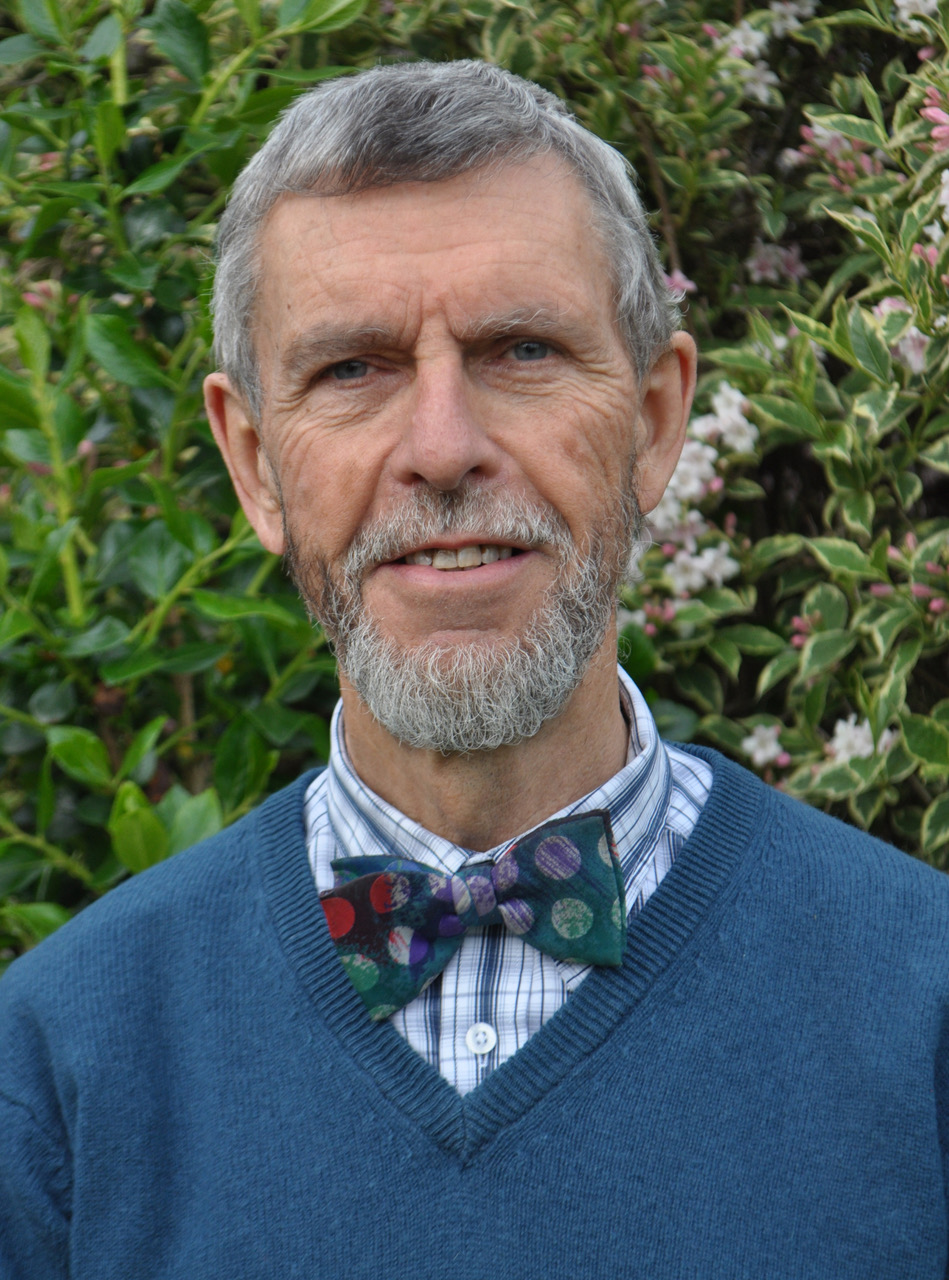
Paul Beverley self-published a monthly computer magazine for 20 years and then worked for 20 years as a freelance technical editor but is now retired. He has created hundreds of macros, all freely available to download from his Macro Menu, along with dozens of training videos.
Pamela Capraru is an experienced copy and line editor based in Toronto. She enjoys connecting with other editors and sharing her knowledge.
This article was copy edited by Amanda Clarke. She is a Toronto-based freelance editor specializing in science fiction and fantasy written by independent authors.

 BoldFace
What a great idea for an interview! Paul has given so much to the editing community for so long. His generosity is inspiring.
LikeLike